
What Is an Automotive Scan Tool? A Practical Guide for Vehicle Owners
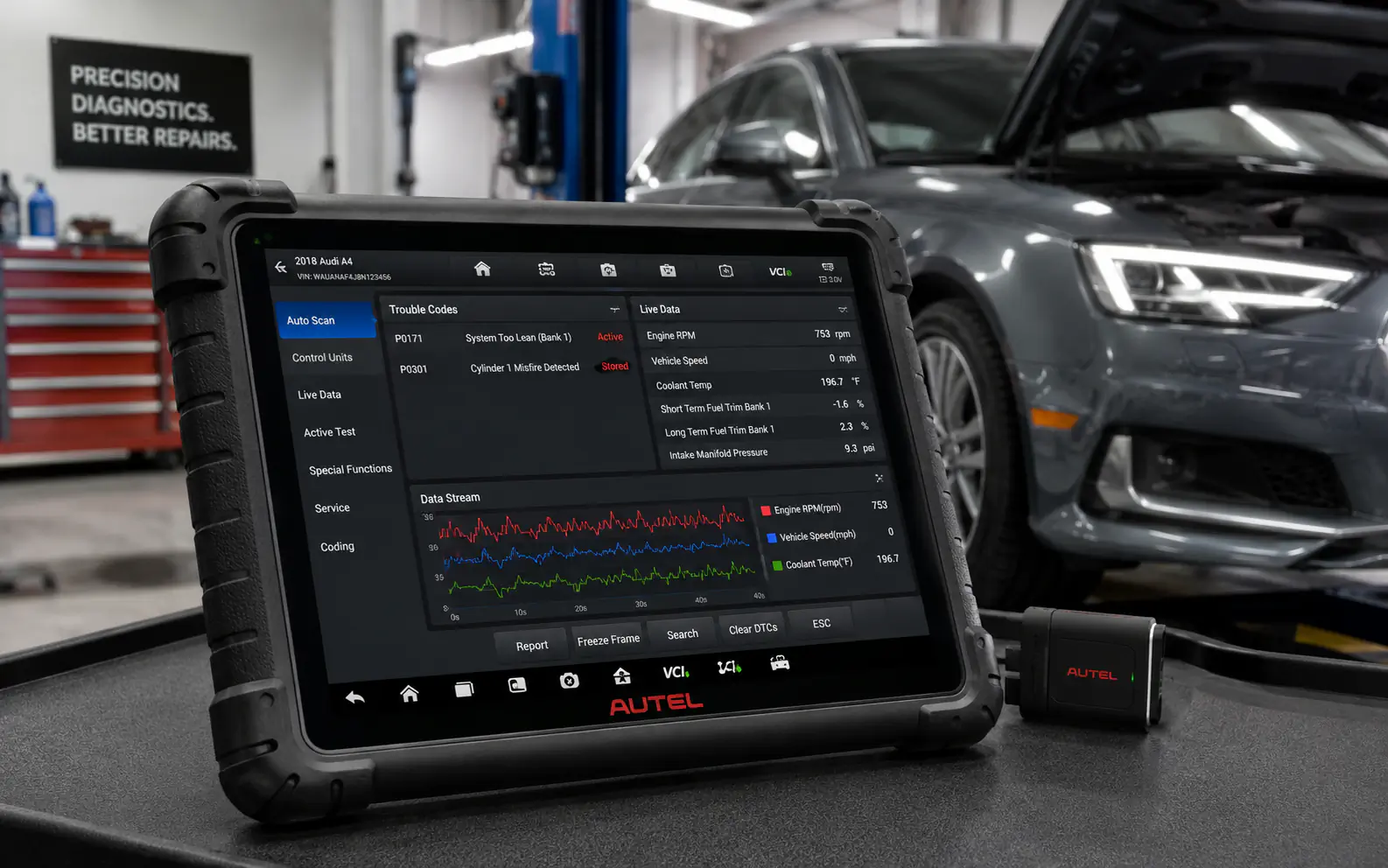
An automotive scan tool is an electronic device designed to communicate with your vehicle’s onboard computer system. By plugging into the car’s OBD-II (On-Board Diagnostics) port, the tool retrieves information about the vehicle’s health, including error codes that explain why a warning light, such as the ‘check engine‘ light, has appeared.
In practical terms, these tools act as a translator. They take complex electronic signals from your car’s sensors and turn them into readable codes or data points. This allows you to identify specific issues-like a loose gas cap or a faulty sensor-before you decide whether to perform a simple repair yourself or seek professional help.
| Topic | When it helps | What to keep in mind |
|---|---|---|
| Basic Code Reader | DIY beginners who want to know the cause of a warning light. | They cannot perform advanced functions like resetting oil lights or testing specific sensors. |
| Mid-Range Scan Tool | Home mechanics who perform their own basic maintenance and troubleshooting. | Requires a basic understanding of how engine sensors should behave. |
| Professional Scan Tool | Professional mechanics or advanced enthusiasts working on complex electrical issues. | High cost and steep learning curve; often overkill for the average driver. |
How the Connection Works
The magic of an automotive scan tool lies in the OBD-II port. This standardized port acts as a gateway to your vehicle’s Engine Control Unit (ECU). When you plug the tool into this port, it establishes a digital handshake with the car’s computer.
Once connected, the tool requests information from the ECU. The computer responds by sending back stored error codes or real-time sensor data. This communication is what allows you to see what the car is ‘thinking’ without needing to take the engine apart.
Most vehicles manufactured after 1996 have an OBD-II port located under the dashboard on the driver’s side, often near the steering column.
Do not force the connector into the port; it should slide in easily if aligned correctly.
- Locate the OBD-II port under the dash.
- Plug in the scan tool while the ignition is in the ‘on’ position.
- Wait for the tool to initialize and detect the vehicle protocol.
- Select the diagnostic menu to read codes or view data.
Understanding Diagnostic Trouble Codes
When a scan tool displays a code, it usually starts with a letter followed by four numbers. The letter indicates the system (P for Powertrain, B for Body, C for Chassis, U for Network). The numbers provide the specific detail about the fault.
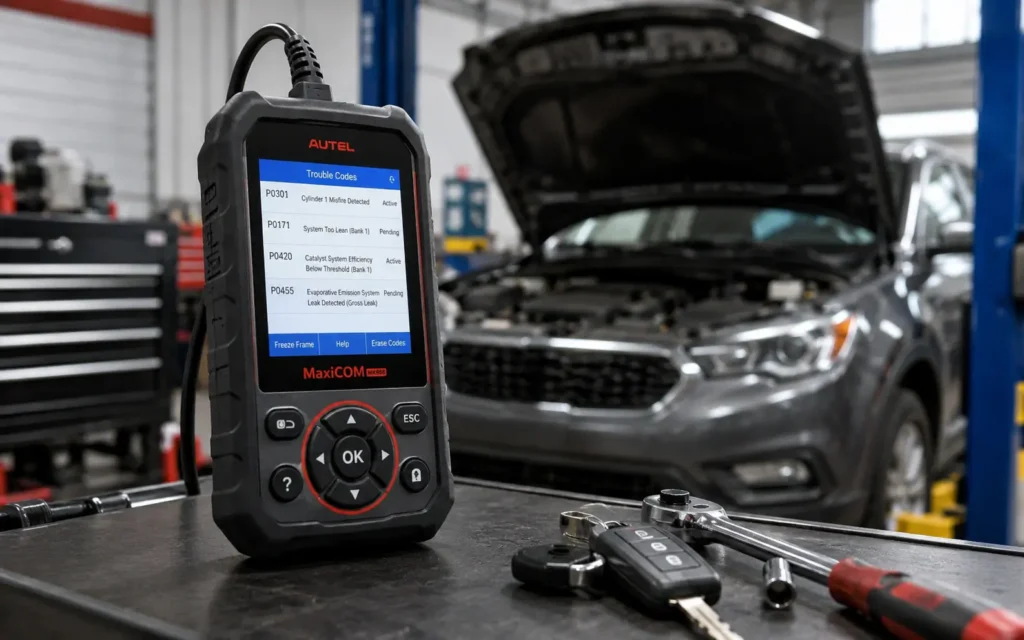
It is important to remember that a code is a symptom, not a diagnosis. For example, a code for an oxygen sensor might mean the sensor is bad, or it might mean there is an exhaust leak causing the sensor to read incorrectly. Always use the code as a starting point for further investigation.
A code like ‘P0300’ is a generic code indicating a random engine misfire, which tells you the issue is likely related to ignition or fuel, rather than a mechanical failure.
Assuming the code is the final answer; a code points to a system, but it does not always identify the exact faulty part.
| Code Prefix | System Affected |
|---|---|
| P | Powertrain (Engine/Transmission) |
| B | Body (Airbags/Windows) |
| C | Chassis (ABS/Suspension) |
| U | Network (Communication) |
Common Misconceptions
One common myth is that a scan tool can fix your car. A scan tool is an information-gathering device, not a repair tool. It tells you where to look, but you still have to perform the physical repair.
Another misconception is that all scan tools work on all cars. While the OBD-II protocol is standard, some advanced features are manufacturer-specific. Always check that the tool you choose is compatible with your vehicle’s make and model year.
Many people believe that clearing a code ‘fixes’ the problem. In reality, it only turns off the warning light; if the underlying issue remains, the light will simply come back on.
Clearing codes before writing them down; you lose the history of the fault, which makes it harder to diagnose if the problem returns.
- A scan tool is for diagnosis, not repair.
- Clearing a code does not fix the underlying mechanical issue.
- Not all scan tools support every advanced manufacturer-specific feature.
- Some issues, like mechanical noises, cannot be detected by a scan tool.
Definition of an automotive scan
- An automotive scan tool is a bridge between you and your car’s onboard computer.
- It plugs into the OBD-II port, usually found under the dashboard.
- Not all tools are the same; some only read codes, while others provide live data and advanced testing.
- Using a scan tool helps you make informed decisions before visiting a mechanic.
Define the tool explain the
Basic Code Reader. Entry-Level Diagnostic Tools
These devices are designed primarily to read and clear Diagnostic Trouble Codes (DTCs). They are simple, affordable, and perfect for identifying why a check engine light is on.
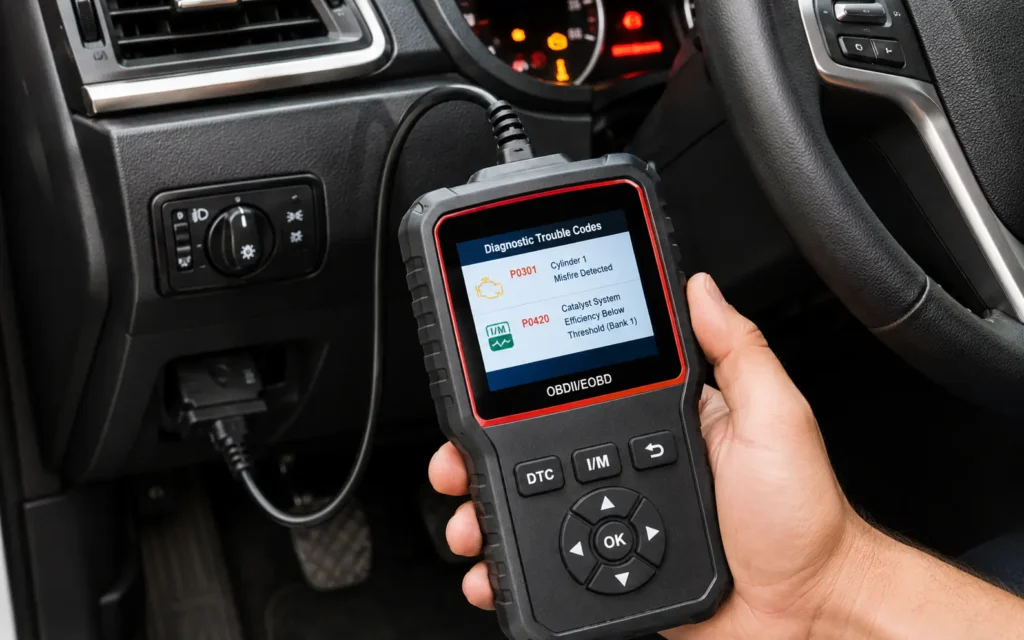
- DIY beginners who want to know the cause of a warning light.
- They cannot perform advanced functions like resetting oil lights or testing specific sensors.
- Choose this if you only need to know what a specific error code means.
- Function – Read/Clear Codes
- Complexity – Low
Mid-Range Scan Tool. Feature-Rich Diagnostic Devices
These tools go beyond reading codes by providing ‘live data’ streams. This allows you to see how sensors are performing while the engine is running, helping to pinpoint intermittent issues.
- Home mechanics who perform their own basic maintenance and troubleshooting.
- Requires a basic understanding of how engine sensors should behave.
- Look for one that supports live data graphing for better troubleshooting.
- Function – Live Data
- Complexity – Medium
Professional Scan Tool. Advanced Diagnostic Systems
These are high-end tools used by repair shops. They can perform bidirectional tests, meaning they can command the car’s computer to activate specific components, such as cooling fans or fuel injectors.
- Professional mechanics or advanced enthusiasts working on complex electrical issues.
- High cost and steep learning curve; often overkill for the average driver.
- Only consider this if you are performing deep engine or transmission diagnostics.
- Function – Bidirectional Control
- Complexity – High
FAQs
Is it worth buying an automotive scan tool?
Yes, if you want to understand your vehicle’s health and avoid unnecessary trips to the mechanic for simple issues like a loose gas cap or a minor sensor fault.
Do I need to have the car running when using a scan tool?
For basic code reading, the ignition just needs to be in the ‘on’ position. However, if you are viewing ‘live data’ to troubleshoot a performance issue, the engine must be running.
What is the difference between a code reader and a scan tool?
A code reader is a basic device that only reads and clears error codes. A scan tool is more advanced, offering features like live data streaming, sensor testing, and sometimes service resets.
How much does a good scan tool cost?
Basic code readers can cost as little as $20 to $50. Mid-range tools with live data capabilities typically range from $100 to $300.
Conclusion
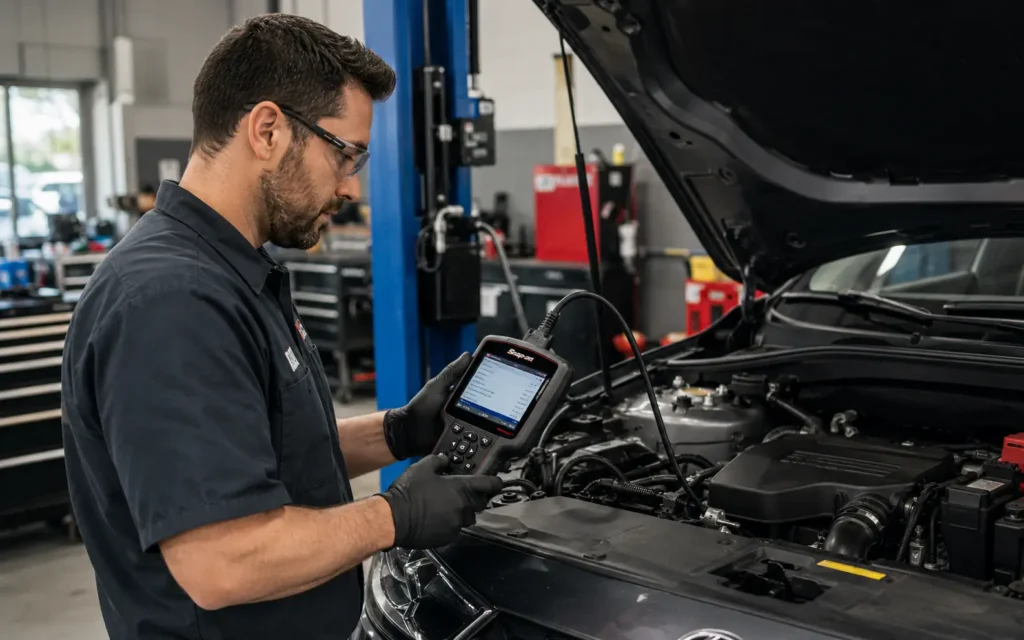
An automotive scan tool is a valuable addition to any vehicle owner’s toolkit. By providing a clear window into your car’s computer, it helps you move from guessing what is wrong to knowing exactly where to look.
Before you purchase your first tool, consider your goals. If you simply want to understand why a light is on, a basic reader is likely all you need. If you are interested in learning more about how your engine performs, a mid-range tool with live data will serve you well. Always remember that these tools are your first step in the diagnostic process, not the final solution.
Related posts
 How to Strengthen Weak Nails: A Practical Guide to Daily Care
Learn how to strengthen weak nails with simple daily habits, protective care, and targeted hydration. Restore your natural nail strength today. Weak, peeling, or brittle nails…
 What Sounds Do Cats Dislike? 7 Noises That Stress Your Pet
Discover what sounds do cats dislike and why. Learn how to protect your cat’s sensitive hearing from stressful household noises and high-frequency hums. Cats dislike sounds…
 Restoring Faded Black Clothing: Practical Methods and Reality Checks
Can you restore faded black clothing? Learn the difference between temporary color revival and permanent redyeing, plus how to prevent future fading. You can restore the…