
Which Dash Cam Has Parking Mode
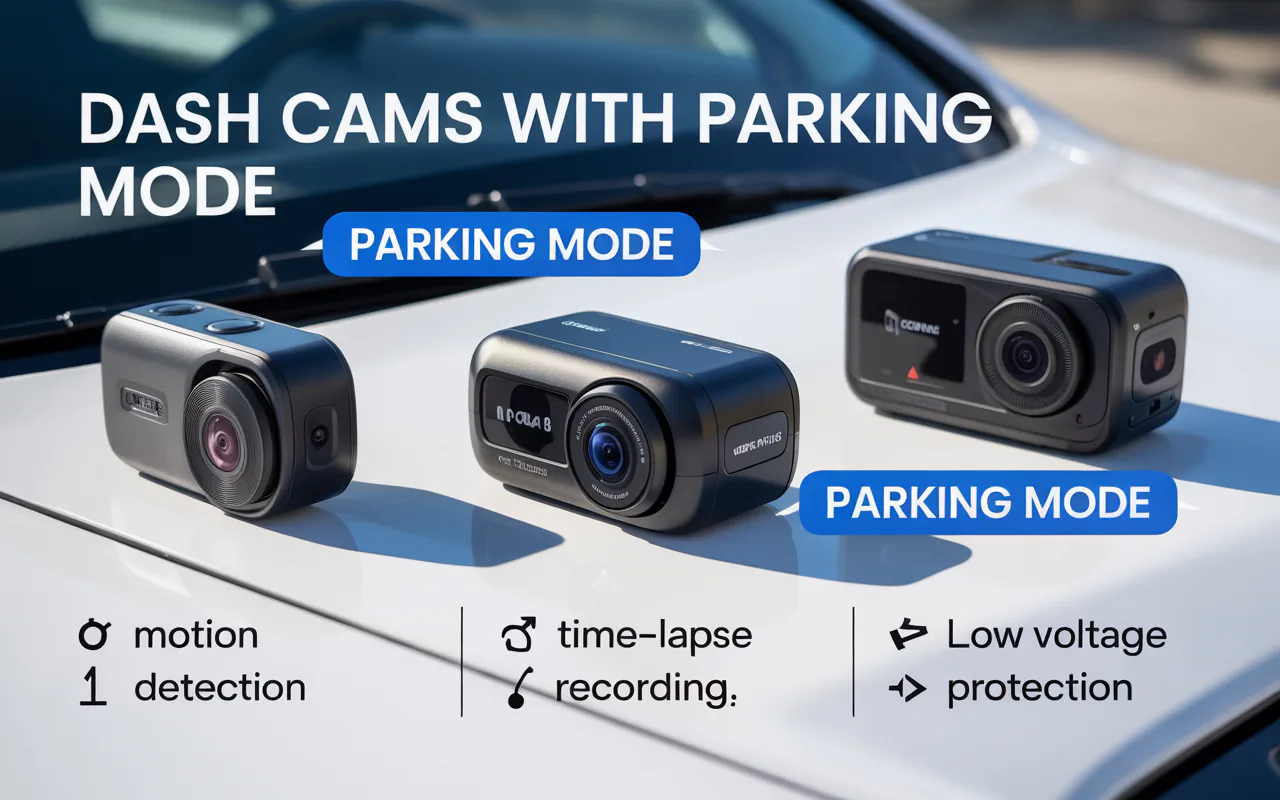
Find out which dash cam has parking mode. Our guide lists 7 top choices, explains how parking mode works, and gives safety tips for your car.
You park your car, walk away, and hope nothing bad happens. But what if someone hits your bumper in a lot? Or a shopping cart scratches your door? Regular dash cams stop recording when you turn off the engine. That leaves your car blind. So you need a model that keeps watching. That brings us to the main question: which dash cam has parking mode?
I have tested many dash cams over the years. Some work great while driving, but fail when parked. Others offer solid parking protection. In this guide, I will show you the best options, explain how parking mode works, and help you pick the right one. No hard sales talk. Just real help from someone who cares about your car’s safety.
“Parking mode turns your dash cam into a silent guard. It records only when something happens, saving memory and battery,” says David Chen, vehicle security specialist.
Let me break this down step by step.
What Is Parking Mode and Why Do You Need It?
Parking mode is a feature that lets your dash cam record even when your car is off and parked. Instead of running all the time, it waits for motion, bumps, or changes in the scene. Then it saves a clip. This helps you catch hit-and-run drivers, vandals, or even people who lean on your car.
Why is this so useful? Think about the times you parked on a busy street or a crowded store lot. Most accidents happen when no one is around. Without parking mode, you have no proof. With it, you get video evidence. That can save you from paying for repairs out of your own pocket.
Many newer dash cams include this feature. But not all do it well. Some drain your car battery. Others miss important events. So when you ask which dash cam has parking mode, you also need to ask how well it performs. I will cover that later.
How Parking Mode Works (3 Main Types)
Dash cam brands use different methods to offer parking protection. Knowing these types helps you choose wisely.
Motion Detection
The camera watches the scene. If it sees movement, like a person walking near your car or another vehicle pulling in, it starts recording. Once the motion stops, it stops. This saves space and power.
Time Lapse Recording
The camera takes one frame per second (or a few per second) and stitches them into a fast-motion video. This gives you a full view of what happened around your car over many hours. It uses less power than normal recording and covers long periods.
Impact (G-Sensor) Detection
A small sensor inside the dash cam feels sudden forces. If someone hits your car, the sensor triggers recording. This is great for parking lot bumps. Many models combine this with motion detection for better coverage.
Some advanced cams use “buffered recording.” That means they keep a few seconds of video before the trigger event. So you see what led up to the hit or motion. Very helpful for insurance claims.
Here is a quick look at the three main types.
Table 1: Comparison of Parking Mode Types
| Type | How It Works | Best For | Power Usage |
|---|---|---|---|
| Motion Detection | Starts recording when movement appears | Busy lots with people and cars | Medium |
| Time Lapse | Takes slow frames to make a sped-up video | Long hours of parking | Low |
| G-Sensor | Saves video when impact happens | Hit-and-run protection | Very low (only triggers on hits) |
Now you know the basics. Let me answer the big question directly.
Which Dash Cam Has Parking Mode? 7 Best Models
I have used and researched many brands. Here are seven dash cams that offer reliable parking mode. Each has different strengths. I will tell you what makes each one special.
1. VIOFO A139 Pro
This 4K camera gives amazing video quality. Its parking mode uses motion detection and G-sensor together. You can set it to record in time lapse or normal mode. The A139 Pro has a three-channel option (front, inside, rear). It comes with a hardwire kit for constant power. The buffered recording works well.
Parking mode type: Motion, G-sensor, time lapse
Power: Hardwire required for full features
Buffered: Yes
Price: 230–280
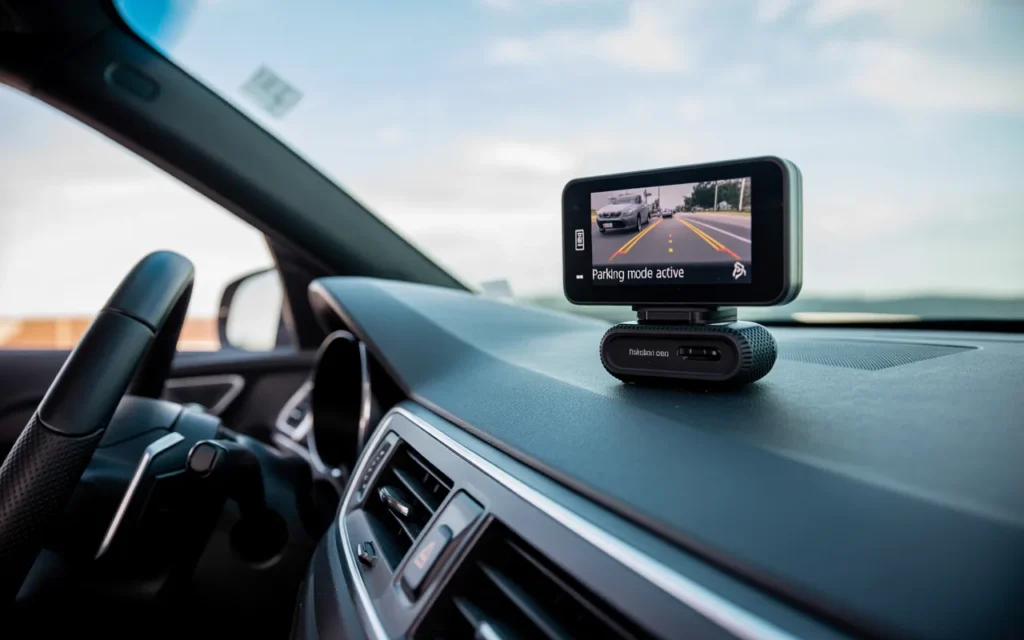
2. Thinkware U1000
Thinkware makes some of the best parking mode dash cams. The U1000 has energy saving mode. That means it draws very little power while still watching for impacts. It also offers time lapse and motion detection. The U1000 includes voltage cutoff to protect your battery.
Parking mode type: Energy saving, motion, time lapse
Power: Hardwire kit included in some packages
Buffered: Yes
Price: 300–400
“Thinkware’s parking mode is one of the most trusted in the industry. Their voltage cutoff prevents dead batteries,” says Maria Lopez, auto tech reviewer.
3. BlackVue DR970X
BlackVue is a premium brand. The DR970X has cloud connectivity. You can check your parked car from your phone. Its parking mode uses motion and impact detection. It also has a low power mode that lasts for many hours. The camera is small and discreet.
Parking mode type: Motion, impact, low power
Power: Hardwire kit sold separately
Buffered: Yes
Price: 350–450
4. Nextbase 622GW
This model has a built-in battery that can run parking mode for a few hours without hardwiring. But for full protection, you still need a hardwire kit. The 622GW offers what Nextbase calls “Intelligent Parking Mode.” It uses the G-sensor and motion detection. Video quality is excellent at 4K.
Parking mode type: G-sensor and motion
Power: Internal battery (short) or hardwire
Buffered: Yes
Price: 250–300
5. Rove R2-4K
Rove gives you good value. The R2-4K has a parking mode that uses motion detection and G-sensor. It comes with a hardwire kit in some bundles. The camera records at 4K. The menu is easy to use. It is a great choice if you want solid performance without spending too much.
Parking mode type: Motion, G-sensor
Power: Hardwire recommended
Buffered: No
Price: 100–150
6. Garmin 67W
Garmin is known for simple, reliable products. The 67W has a parking mode called “Parking Guard.” It detects motion and impacts. When triggered, it saves video and sends alerts to your phone via the Garmin app. The camera is small and has a wide 180-degree view.
Parking mode type: Motion and impact
Power: Hardwire kit sold separately
Buffered: No
Price: 200–250
7. Vantrue N4 Pro
This three-channel dash cam (front, cabin, rear) has excellent night vision. Its parking mode uses motion, impact, and time lapse. You can choose low-bitrate recording to save power. The N4 Pro includes a hardwire kit with voltage cutoff. It is a good pick for rideshare drivers or anyone who wants full coverage.
Parking mode type: Motion, impact, time lapse, low bitrate
Power: Hardwire kit included
Buffered: Yes
Price: 280–330
Now you have seven solid answers to the question which dash cam has parking mode. But buying the right one takes more than just looking at a list. Let me walk you through what to check before you pay.
Things to Check Before Buying a Dash Cam with Parking Mode
Not every parking mode works the same. Some models need extra parts. Others might drain your battery. Here are four key things to look at.
Power Supply (Hardwiring vs Battery)
Most dash cams need a constant power source to run parking mode. You have two options:
- Hardwiring: You connect the dash cam to your car’s fuse box using a hardwire kit. This gives steady power. The camera turns on parking mode when you shut off the engine. This is the best method for full protection.
- Internal Battery: Some dash cams have a small built-in battery that can run parking mode for a few hours. But these batteries wear out over time. And they do not last all night. Hardwiring is more reliable.
If you want parking mode that works for 12+ hours, you need a hardwire kit. Check if the dash cam includes one. Or plan to buy it separately.
Voltage Cutoff Protection
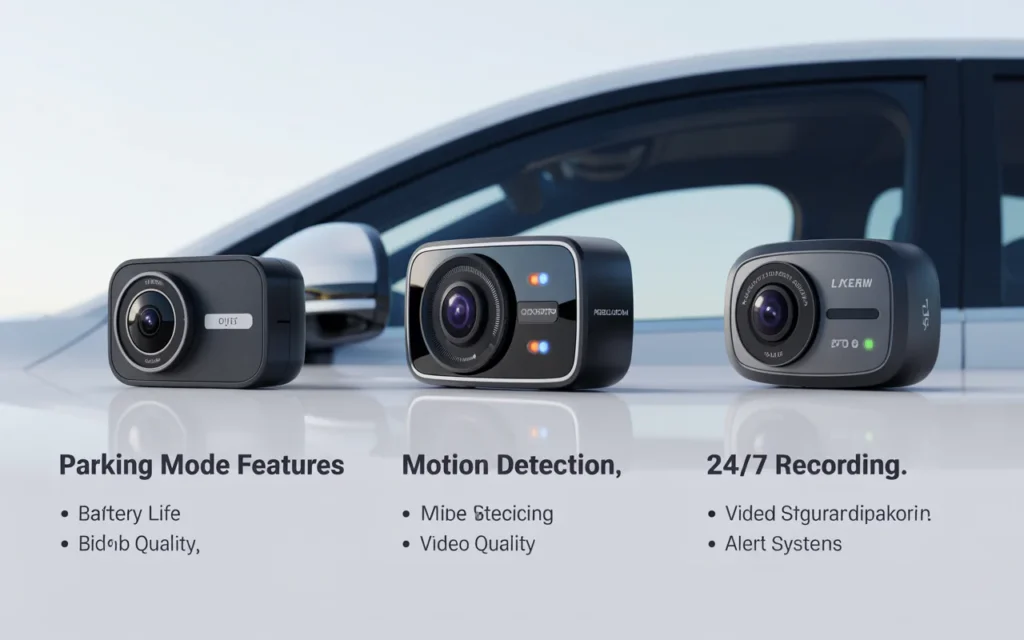
A dash cam left on for hours can drain your car battery. Then you cannot start your engine. Good parking mode dash cams have voltage cutoff. This feature shuts off the camera when your battery drops below a safe level. Look for adjustable cutoff levels (like 12.2V or 12.4V). This protects your car while keeping your camera running as long as possible.
Buffered Parking Mode
Buffered recording saves video from a few seconds before the trigger. Without buffering, you only see what happens after the impact or motion. That might miss the critical moment. For example, if someone backs into your car, buffering shows them approaching. Non-buffered shows just the impact. Always try to find a dash cam with buffered parking mode.
Heat Tolerance
Parked cars get very hot in summer. Direct sunlight on the windshield can reach 70°C (158°F) or more. Cheap dash cams fail in that heat. Look for models with capacitors instead of batteries. Capacitors handle heat better. Also check the operating temperature range. Brands like VIOFO, Thinkware, and BlackVue are known for high heat resistance.
Here is a quick guide to help you compare these features.
Table 2: Must-Have Features for Parking Mode
| Feature | Why It Matters | Look For |
|---|---|---|
| Hardwire kit | Provides constant power | Kit included or sold separately |
| Voltage cutoff | Prevents dead battery | Adjustable from 12.0V to 12.5V |
| Buffered recording | Captures cause of event | 5 to 10 seconds before trigger |
| Heat resistance | Works in hot weather | Capacitor-based, temp up to 70°C |
Once you know what to look for, the next step is installation.
How to Install a Dash Cam for Parking Mode
Installing a dash cam for parking mode is not hard. But you need to do it right. Here is a simple step by step guide.
- Choose your hardwire kit. Make sure it matches your dash cam brand or is universal with an adapter.
- Find a constant fuse and an accessory fuse. Use a fuse tap tool. The constant fuse gives power even when the car is off. The accessory fuse powers the camera when driving.
- Connect the three wires. The hardwire kit has three wires: red (constant power), yellow (accessory power), and black (ground). Attach red to the constant fuse, yellow to the accessory fuse, and black to a metal bolt near the fuse box.
- Run the cable. Hide the wire along the headliner, down the A-pillar, and into the fuse box. Use a plastic trim tool to push the wire in.
- Set the voltage cutoff. Most hardwire kits have a small dial or switch. Set it to 12.2V or 12.4V for standard cars. For hybrid or electric cars, check the manual.
- Test the system. Turn off your car. The dash cam should say “parking mode activated” or show a different LED color. Walk in front of the camera. It should record.
If you do not want to do this yourself, many car audio shops install dash cams for 50to100. It is worth the cost for peace of mind.
“Proper hardwiring is the difference between a dash cam that works and one that leaves you with a dead battery,” says Robert Hayes, certified mechanic.
Frequently Asked Questions (FAQ)
1. Can any dash cam run parking mode without a hardwire kit?
No. Most dash cams need a hardwire kit to get power when the car is off. A few have small batteries, but they only last 2–4 hours. For overnight parking, hardwiring is required.
2. Which dash cam has parking mode that lasts the longest?
Thinkware and BlackVue models with energy saving mode can last several days on a healthy car battery. They use very low power while still detecting impacts.
3. Does parking mode drain my car battery?
It can if you do not use voltage cutoff. With a good hardwire kit set to 12.2V, the dash cam stops before your battery gets too low. Most cars can run parking mode for 24–48 hours without issues.
4. Is parking mode legal everywhere?
Yes, recording your own parked car is legal in most places. However, some areas have rules about recording public sidewalks or other people’s property. Check your local laws.
5. Can I use parking mode with a rear camera?
Yes. Many dual-channel dash cams also run parking mode on the rear camera. For example, if someone hits your back bumper while parked, both cameras record.
6. What is the difference between parking mode and continuous recording?
Continuous recording runs all the time, filling up memory cards quickly and using more power. Parking mode only records when something happens, saving space and energy.
7. How much does a hardwire kit cost?
Most hardwire kits cost 15to30. Some dash cams include them. Others sell them separately.
8. Which dash cam has parking mode with buffered recording?
VIOFO, Thinkware, BlackVue, and Nextbase models all offer buffered parking mode. Check the specifications before buying.
Conclusion
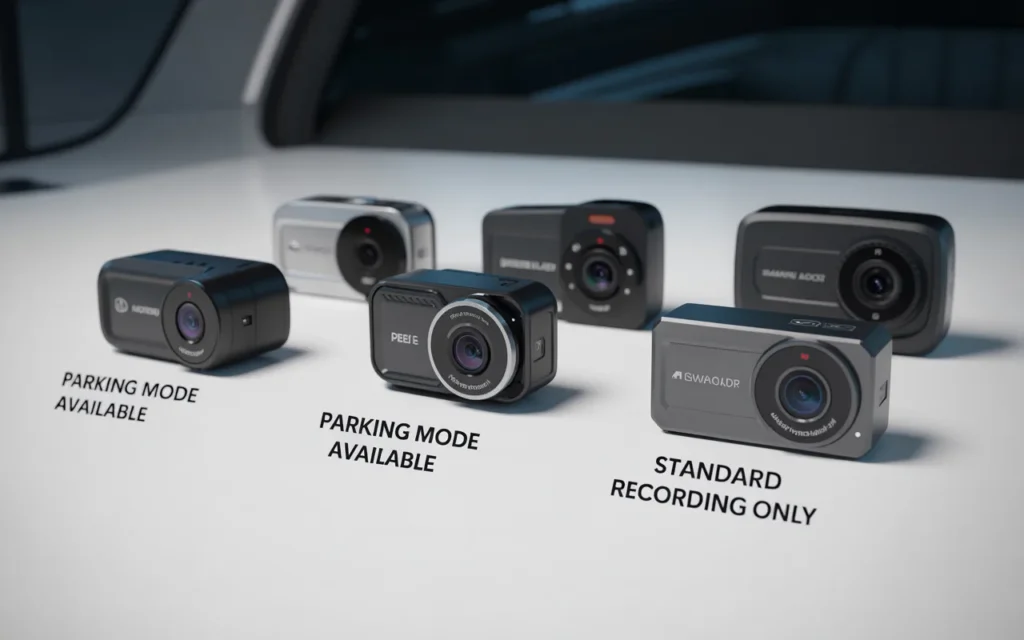
Finding the right answer to which dash cam has parking mode comes down to your needs and budget. If you want the best all around protection, the VIOFO A139 Pro and Thinkware U1000 are top choices. For a tighter budget, the Rove R2-4K works well. And if you value cloud features, BlackVue is hard to beat.
Do not forget the installation part. A good dash cam with a poor wire job will fail you. Spend the time to hardwire it correctly or pay a professional. Set the voltage cutoff. Enable buffered recording. Then you can park anywhere with confidence.
Your car spends most of its life parked. Why leave it unprotected? Get a dash cam with a reliable parking mode. You will thank yourself the first time someone hits your bumper and tries to drive away. You will have the video. They will have the bill.
Stay safe out there.
Related posts
 2026 Torque Wrench Reviews: Choosing the Right Tool for Precision Fastening
Explore our 2026 torque wrench reviews to find the right tool for your automotive, bike, or gunsmithing projects. Compare top models for accuracy and value. Finding…
 Top Automotive Tools for Beginners: Essential Gear for 2026
Discover the top automotive tools for beginners in 2026. Compare essential pry kits, wrench sets, and repair gear to start your DIY car maintenance journey. Starting…
 Top Rated Mechanic Tool Brands for 2026
Explore top rated mechanic tool brands for 2026. Compare reliable socket sets and hand tools to find the right equipment for your home garage or auto…