
Smart Kitchen Devices Explained
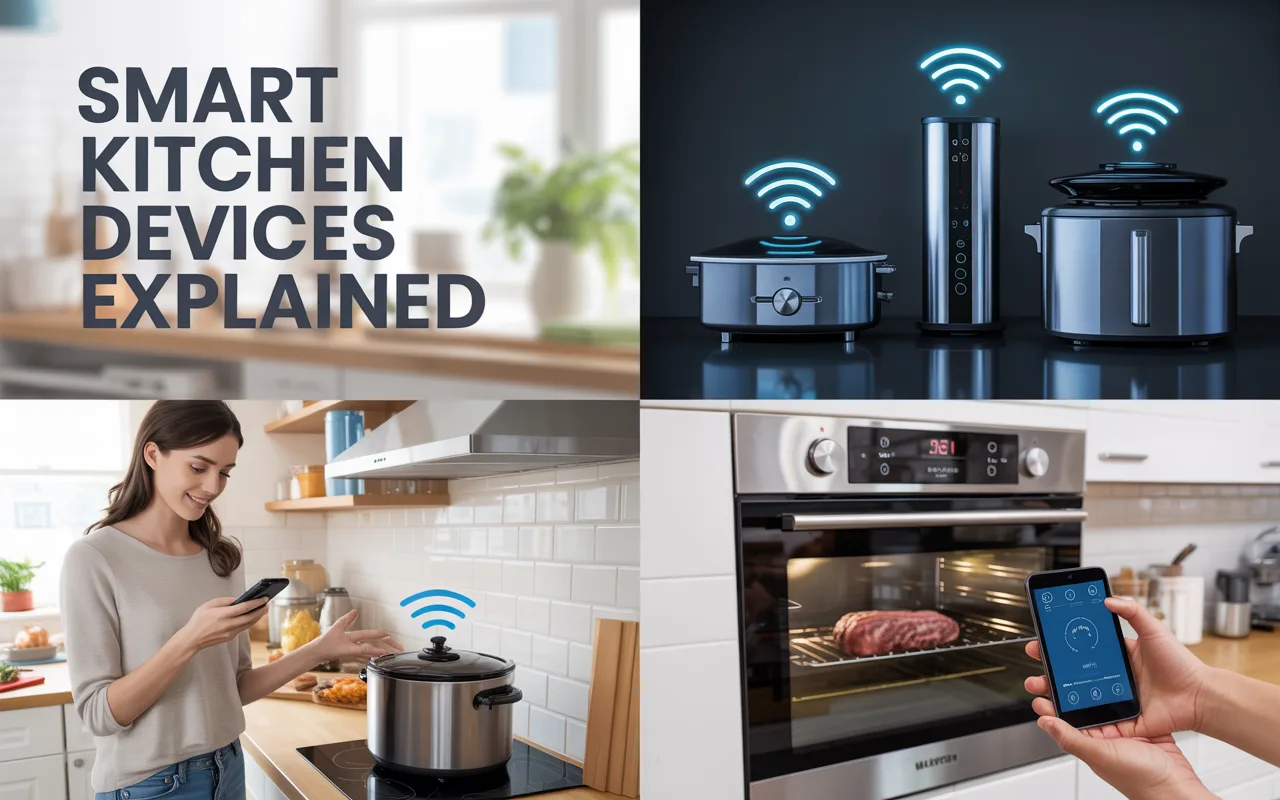
Looking for smart kitchen devices explained in plain English? These tools connect to your phone, automate cooking, and help reduce waste. Read this easy guide.
The kitchen is the heart of the home. But it can also be the busiest place. You might have heard about smart kitchen devices but felt unsure what they really do. Do they just look fancy? Or do they actually help? Let me break this down for you in a simple, honest way.
I remember when I bought my first smart plug for a slow cooker. I was nervous. Would it work? Would I burn dinner? It turned out to be so easy. That small win opened my eyes. Now I want to help you feel that same confidence.
Smart kitchen devices explained in one sentence: They are appliances or tools that connect to your home Wi-Fi or Bluetooth. You can control them with an app, your voice, or even set them to work automatically. No computer science degree required.
In this article, I will walk you through what these devices do, why they are useful, how to choose them, and some real examples. I will also answer common questions. By the end, you will know if smart kitchen gadgets are right for you.
What Exactly Are Smart Kitchen Devices?
Let us start with a clear definition. A regular toaster has a knob. A smart toaster lets you set the browning level from your phone. A regular fridge keeps food cold. A smart fridge can tell you when milk is low.
The main idea is connection and control. These devices use sensors, timers, and apps to give you more information and convenience.
Here is a quick breakdown of the most common types:
| Device Type | What It Does | Example Use |
|---|---|---|
| Smart ovens | Preheat remotely, monitor cooking | Start preheat while driving home |
| Smart fridges | Track inventory, show inside camera | See if you need eggs without opening door |
| Smart scales | Measure food, send nutrition data to app | Log calories automatically |
| Smart plugs | Turn any appliance on/off remotely | Set coffee maker to start at 7 AM |
| Smart kettles | Heat water to exact temperature | Boil water for tea from your bed |
These are just a few examples. Smart kitchen devices explained this way makes them less scary. They are simply regular tools with a brain added.
Many people worry about cost. Yes, some smart devices cost more upfront. But they can save you money over time. Less food waste. Less energy waste. Fewer takeout meals because cooking feels easier.
Why Should You Consider Smart Kitchen Devices?
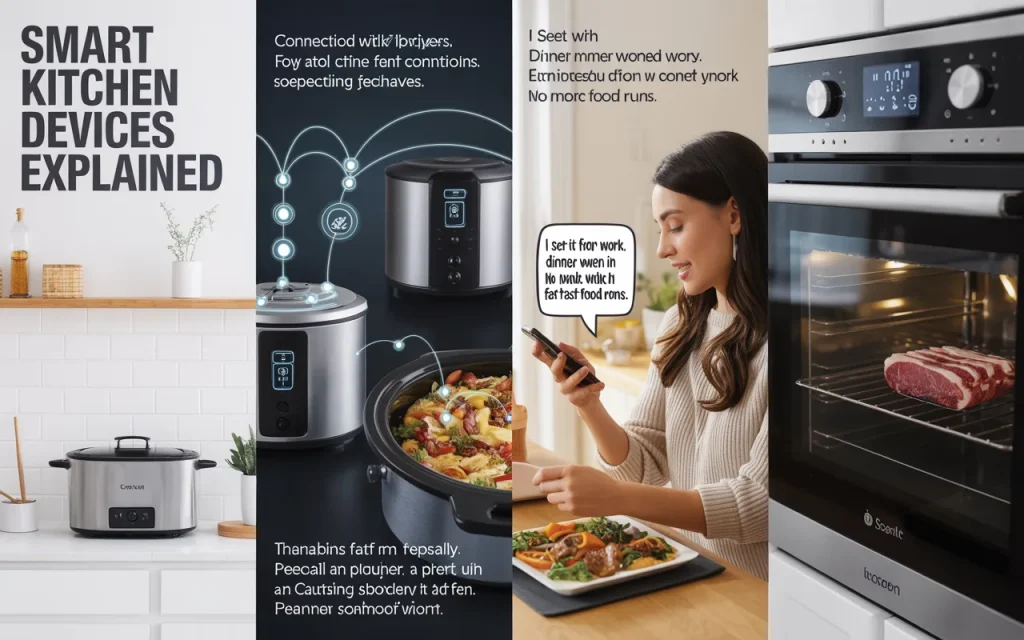
I used to think smart gadgets were for tech fans only. But then my friend Sarah, a busy mom of three, showed me her smart slow cooker. She said, “I set it from work. Dinner is ready when I walk in. No more fast food runs.”
That changed my mind.
Here are three real benefits:
Saving Time
Time is something we never get back. A smart oven can preheat while you finish an email. A smart kettle can boil water while you brush your teeth. Those minutes add up.
Reducing Food Waste
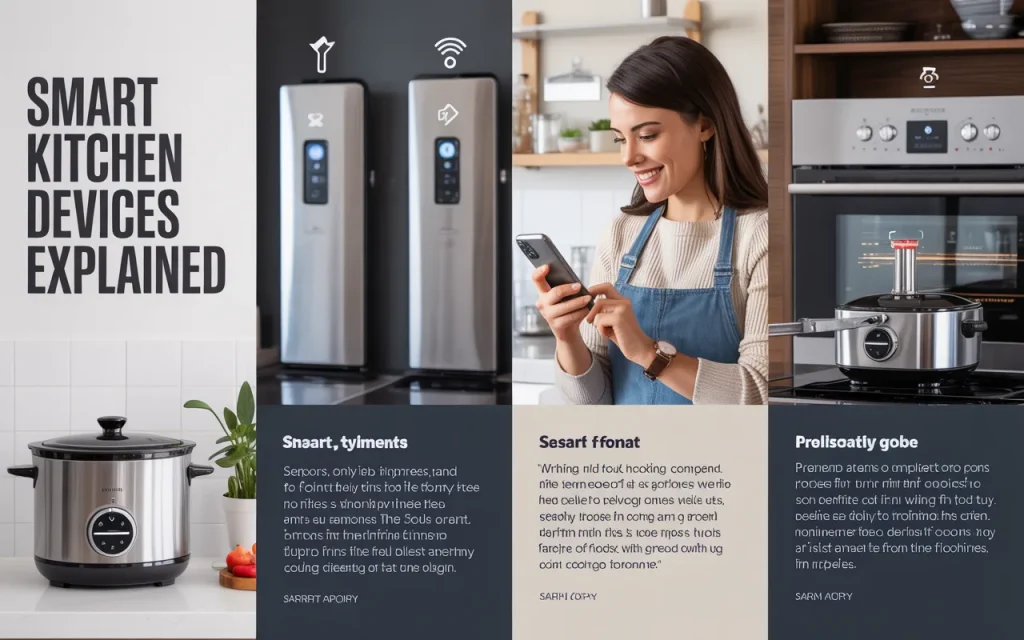
The average family throws away a lot of food. A smart fridge can track expiration dates. Some models send alerts: “Use your spinach today.” That small reminder helps.
Cooking More Confidently
Not everyone is a natural cook. Smart scales guide you step by step. Smart thermometers beep when your chicken reaches the right temperature. No more guesswork.
“Technology should make your life simpler, not more complicated. The best smart kitchen devices disappear into the background and just work.” – David Pogue, Tech Writer
That quote rings true. A good smart device does not demand attention. It just helps.
How Do Smart Kitchen Devices Work?
Let me explain this without technical jargon. Most smart devices connect to your home Wi-Fi network. Then you download a free app on your phone. The app talks to the device. You press buttons in the app, and the device responds.
Some also work with voice assistants like Alexa or Google Assistant. You can say, “Turn on the kettle,” and it happens.
The devices use small computers inside. These computers have sensors for temperature, weight, or motion. They send that data to your phone. Your phone sends commands back.
Smart kitchen devices explained in three steps:
- You connect the device to Wi-Fi (one time setup)
- You open the app or use voice commands
- The device follows your instructions
That is it. No coding. No complex menus.
Popular Types of Smart Kitchen Devices
Let me walk you through the most useful ones. I will share what each does and who it helps the most.
Smart Ovens and Ranges
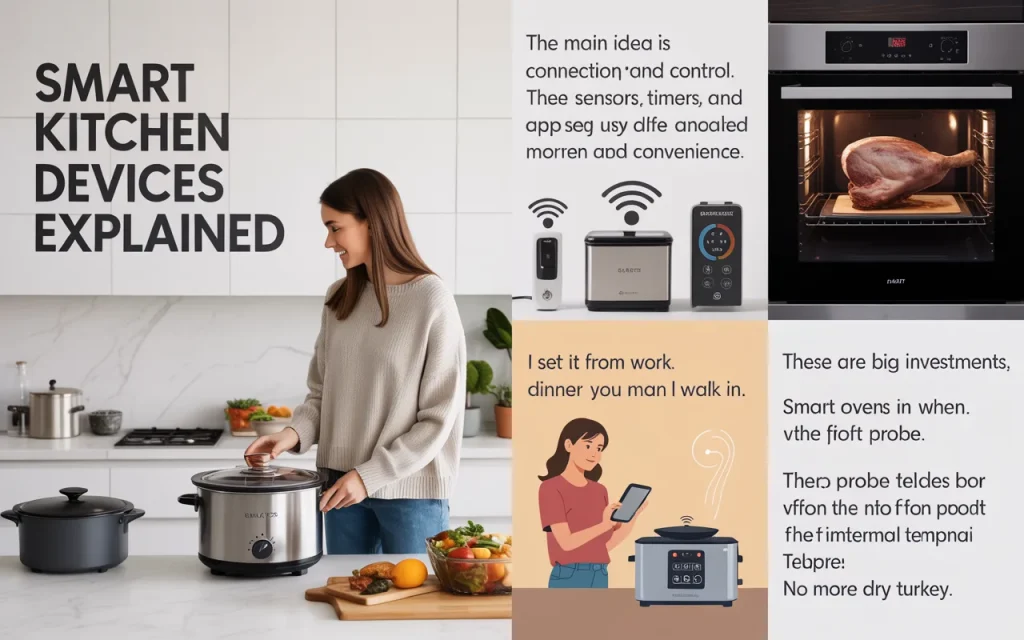
These are big investments but very helpful. Smart ovens often include a meat probe. The probe tells your phone when the food reaches the perfect internal temperature. No more dry turkey.
Some models have internal cameras. You can watch your food cook from the couch. This sounds silly until you are baking a delicate cake and do not want to open the door.
Best for: People who roast meats or bake often.
Smart Refrigerators
Smart fridges have touchscreens on the door. You can see inside without opening. You can make shopping lists. Some even show recipes based on what you have.
I spoke to a chef once who said this:
“A smart fridge is like having a kitchen assistant. It remembers what you bought and suggests meals before food goes bad.” – Lynne Curry, Cookbook Author
That is the real value. Not the screen. The memory.
Best for: Families who want to reduce waste and plan meals.
Smart Scales
These look like regular kitchen scales. But they sync with apps. You put a bowl on the scale. You add flour. The app shows the exact calories and nutrients. This is a gift for anyone tracking health goals.
Best for: People managing weight, diabetes, or fitness goals.
Smart Plugs
These are the cheapest entry point. A smart plug costs around 10 dollars. You plug it into the wall. Then you plug your coffee maker or slow cooker into the plug. Set a schedule. Your coffee starts at 6:30 AM automatically.
Best for: Beginners who want to try smart tech without spending much.
Smart Kettles
These let you choose exact water temperatures. Green tea needs 175°F. Black tea needs 212°F. A smart kettle heats to the degree you pick. It also keeps water warm for hours.
Best for: Tea lovers and pour-over coffee fans.
Here is a second table comparing setup difficulty and average cost:
| Device | Setup Difficulty (1-5) | Average Cost (USD) |
|---|---|---|
| Smart plug | 1 (very easy) | 10-25 |
| Smart kettle | 2 | 50-100 |
| Smart scale | 2 | 30-80 |
| Smart oven | 3 | 300-1000 |
| Smart fridge | 3 | 1500-4000 |
Are There Any Downsides?
I want to be honest. Smart devices are not perfect. Let me share a few real problems.
First, Wi-Fi outages. If your internet goes down, many smart devices lose remote control. Some still work manually. Others do not. Check before you buy.
Second, app quality. Some brands have terrible apps. Slow, buggy, or full of ads. Read recent reviews. A good device can be ruined by bad software.
Third, privacy. Smart fridges with cameras send video to the cloud. Smart speakers listen for voice commands. Read the privacy policy. Know what data is collected.
“Every connected device is a potential door into your home network. Choose brands that take security seriously.” – Bruce Schneier, Security Expert
That sounds scary. But you can stay safe. Use strong passwords. Update the device software. Only buy from trusted brands.
Fourth, learning curve. My dad struggled with his smart kettle app. He just wanted boiled water. Some people prefer simple knobs. That is perfectly fine.
How to Choose the Right Smart Kitchen Devices for You
Do not buy everything at once. That is a mistake. Start small. Here is my suggested path:
Step 1: Buy one smart plug. Use it for a coffee maker or lamp. Get comfortable with the app.
Step 2: Add a smart scale if you cook or bake often. Use it for a week.
Step 3: Consider a smart kettle or slow cooker if you like the convenience.
Step 4: Upgrade major appliances only when your current ones break.
Ask yourself three questions:
- Do I often forget to turn things off?
- Do I waste food because I do not know what I have?
- Do I wish cooking took less active attention?
If you answer yes to any, smart kitchen devices explained with your own needs becomes clear. You are not buying tech. You are buying time and peace of mind.
Also check compatibility. If you use an iPhone, make sure the device works with Apple Home. If you use Android, look for Google Home support. Some devices work with both. Some work with neither.
Setting Up Your First Smart Kitchen Device
Let me walk you through a real example. You buy a smart plug. Here is what happens:
- Plug the smart plug into the wall.
- Plug your coffee maker into the smart plug. Leave the coffee maker switch in the “on” position.
- Download the plug brand’s app (like Kasa or Wemo).
- Follow the app to connect the plug to your Wi-Fi.
- Set a schedule: Monday to Friday, 7:00 AM, turn on.
- Test it. Unplug the coffee maker. Wait. At 7 AM, it should turn on.
That whole process takes 5 minutes. Once set, you never touch it again.
Smart kitchen devices explained through action is always better than theory. Try one small device. See how it feels. You can always return it if you hate it.
Frequently Asked Questions
Q1: Do smart kitchen devices work without Wi-Fi?
Some do. Many smart plugs and ovens have manual buttons. But remote control needs Wi-Fi. Check the product description for “offline mode.”
Q2: Are smart kitchen devices safe?
Yes, from major brands. Look for UL or ETL safety marks. Do not leave smart devices unattended with high heat for very long. Common sense still applies.
Q3: Can I use smart devices if I am not tech savvy?
Absolutely. Start with a smart plug. It is as easy as setting an alarm on your phone. If you can send a text, you can use a smart plug.
Q4: Do smart devices increase my electricity bill?
No. They use very little power when idle. In fact, they often save energy by turning things off automatically.
Q5: What is the best brand for smart kitchen devices?
For small devices, consider TP-Link Kasa, Govee, or Wyze. For large appliances, look at Samsung, LG, or GE. Read recent reviews because quality changes over time.
Q6: How long do smart kitchen devices last?
Smart plugs last many years. Smart fridges last 10-15 years like regular ones. The app support may stop sooner. That is a real risk. Buy from brands that have been around for a while.
Q7: Can smart kitchen devices help with diet goals?
Yes. Smart scales and smart fridges can track calories and nutrients. Some send weekly reports to your phone. This helps you see patterns.
Q8: Will my old cookware work with smart devices?
Yes. Smart ovens work with any oven-safe pots and pans. Smart scales work with any bowl. You do not need special accessories.
Conclusion
Let me wrap this up. Smart kitchen devices explained in the simplest way: they are helpers. They do not replace your cooking skills. They support them. They remind you, time things for you, and give you information you would otherwise miss.
You do not need a whole smart kitchen overnight. Start small. Try a smart plug for your coffee. See how that feels. Then add a smart scale or kettle if you want more.
The goal is less stress, not more gadgets. If a device feels frustrating, skip it. Your kitchen should work for you, not the other way around.
I hope this guide gave you a clear, honest look at smart kitchen devices. You now know what they do, how they work, and which ones might help you. Go ahead and try one small step. Future you might thank you when dinner is ready early.
Related posts
 Best Under Sink Organizers Kitchen 2026: Practical Storage Solutions
Find the best under sink organizers kitchen in 2026. Compare top-rated pull-out bins, L-shaped racks, and protective mats to maximize your cabinet space. The space under…
 Best Kitchen Cabinet Storage Solutions for 2026
Organize your kitchen efficiently with our Best Kitchen Cabinet Storage Solutions. Compare the best organizers for lids, pans, and spices to maximize your space. A cluttered…
 Top Rated Kitchen Shelf Organizers for 2026
Discover the top rated kitchen shelf organizers for 2026. Compare durable racks, magnetic shelves, and tiered storage to maximize your pantry and counter space. A cluttered…