
Smart Kitchen Setup Guide
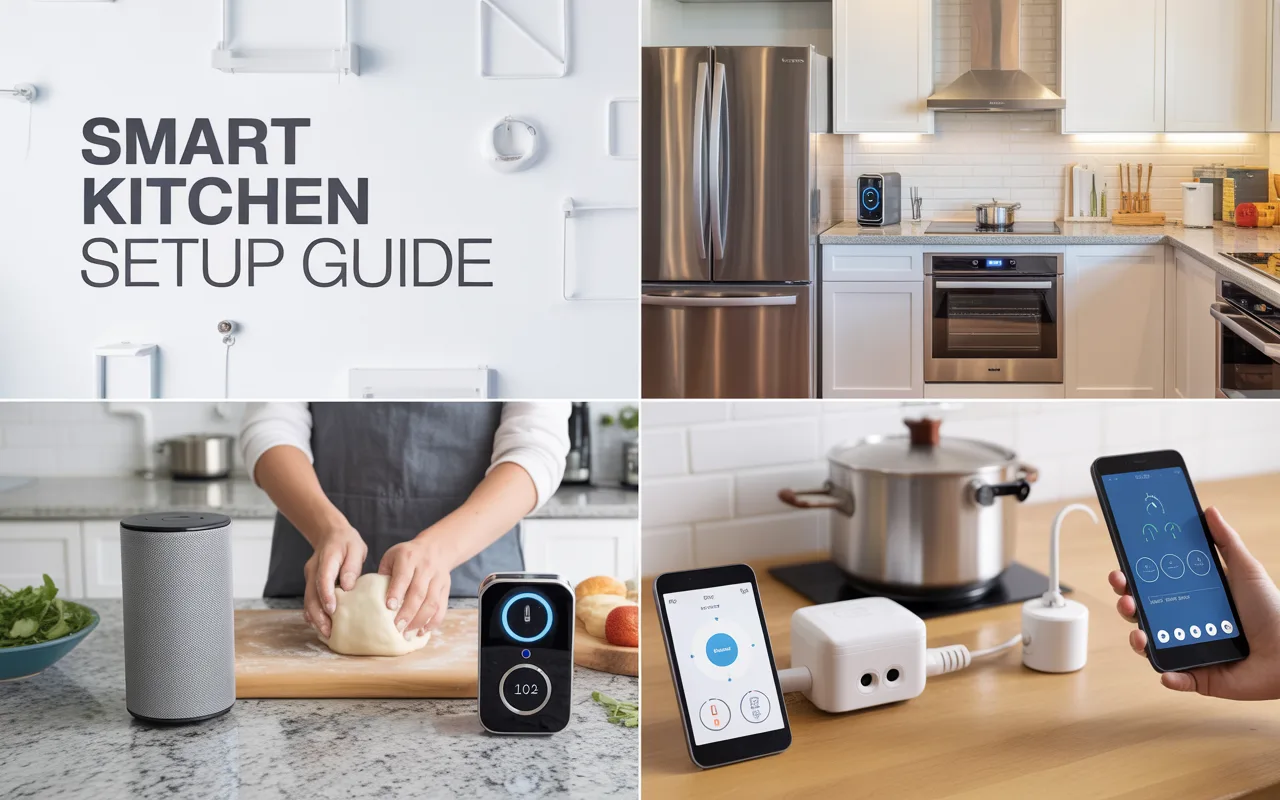
Follow this complete smart kitchen setup guide to make cooking and daily tasks easier. Learn about must-have gadgets, simple installation steps, and how to connect everything for a truly helpful home kitchen.
Life gets busy. You have work, family, and a thousand things on your mind. The kitchen is the heart of the home, but it can also be a source of stress. Burning dinner because you got distracted, running out of milk every single week, or standing there wondering what to cook are common problems.
A smart kitchen helps fix these small headaches. It is not about showing off fancy gadgets. It is about making your daily routine smoother. Imagine getting a notification on your phone that you left the fridge door open. Imagine preheating your oven from the grocery store so it is ready when you get home. These little wins add up.
Technology in the kitchen should feel helpful, not complicated. When you follow a proper smart kitchen setup guide, you focus on solutions that actually work for your life. You take control of your time and reduce daily frustration.
Where to Start with Your Smart Kitchen Setup
Starting can feel like a lot. There are so many products out there. Smart fridges, smart ovens, smart speakers, smart lights. It can make your head spin. The trick is not to buy everything at once. You need a plan.
Think about your biggest pain points. What annoys you the most in your kitchen right now? Is it forgetting to add things to your shopping list? Is it not knowing if you have enough flour for baking? Is it just wanting some music while you cook?
Once you know what you want to fix, you can pick the right tools. A good smart kitchen setup guide always tells you to start small. Buy one or two items. Learn how they work. See how they fit into your day. Then, add more later. This way, you do not get overwhelmed, and you do not waste money on things you do not need.
Start with the Brain of the Operation
Before you buy any appliance, you need a way to control everything. Most smart devices connect to an app on your phone. But it is even better to have a voice assistant. This is usually a small speaker that listens to you.
Amazon Echo (Alexa) or Google Nest Home (Google Assistant) are the most common choices. Put one of these in your kitchen. Now, you have hands-free help. You can set timers while your hands are covered in dough. You can ask for measurement conversions. You can play a podcast. This small device becomes the command center for your whole kitchen. As you add more gadgets, you can tell your voice assistant to turn them on or off. It ties everything together.
Smart Lighting for the Right Mood
Lighting is a simple first step. It is cheap, easy to install, and makes a big difference. Smart bulbs let you change the brightness or color with your voice or phone.
In the kitchen, this is great for early mornings. You can have the lights slowly brighten while you make coffee, instead of blinding yourself with a bright white light. You can also set the mood for dinner parties with warmer, softer light. And the best part? You never have to walk into a dark kitchen again. Just tell your assistant to turn the lights on.
Smart Plugs: The Easiest Trick
If you are not ready to buy new appliances, smart plugs are your best friend. They are small adapters that plug into your wall. Then, you plug your regular kitchen gadget into them. Suddenly, your dumb appliance becomes smart.
You can plug your slow cooker into a smart plug. Now, you can turn it on from work so dinner is ready when you walk in. You can plug your coffee maker into one. Set a schedule so it starts brewing ten minutes before your alarm goes off. It is a cheap and easy way to dip your toes into the smart kitchen world. This simple addition is often the most recommended part of any smart kitchen setup guide for beginners.
Choosing Your Major Smart Appliances
Once you are comfortable with the basics, you might look at bigger items. These are bigger investments, so you want to choose wisely. Here is a look at two of the biggest players in a smart kitchen.
The Smart Fridge: More Than Just Cold Air
A smart fridge is probably the most famous smart kitchen item. They have screens on the door and cameras inside. But do you need one? Let us look at the good and the not-so-good.
What it can do:
- Look inside without opening the door: You are at the grocery store and wonder if you have eggs. You open the app on your phone and look at the camera inside your fridge. No more guessing.
- Keep track of expiring food: Some fridges can track what you put in and remind you when the milk is about to go bad.
- Display your calendar or photos: The screen on the door can show the family schedule or a slideshow of your pictures.
Things to think about:
- Price: They are much more expensive than regular fridges.
- Tech gets old: The computer in the door today might feel slow in a few years, but the fridge part will still work fine for a decade.
- Do you need the screen? Many people find they just use their phone instead of the screen on the fridge.
If you have the budget and love new tech, a smart fridge is cool. But for most people, a regular fridge with a smart plug or a simple sensor is plenty.
Smart Ovens and Cooktops
Cooking gets a lot easier with a smart oven. These connect to Wi-Fi and let you control them from anywhere.
The main feature is remote control and monitoring. You can preheat the oven on your way home. You can set it to keep food warm if you are running late. Many smart ovens also come with built-in food probes and specific cooking programs. You tell the oven what you are cooking (like a roast chicken or a tray of cookies), and it sets the temperature and time perfectly. It even sends an alert to your phone when your food is done.
Some high-end models have cameras inside. You can watch your food brown without opening the door and letting heat out. This is a great feature for getting perfect results every time. If you cook a lot, this is a worthy upgrade to consider in your smart kitchen setup guide.
Small Smart Gadgets That Make a Big Difference
You do not need to replace your stove to have a smart kitchen. Some of the most useful gadgets are small and sit on your counter. Here are a few favorites.
Smart Displays for Recipes
Remember that voice assistant we talked about? You can get one with a screen. These are often called smart displays, like the Echo Show or the Google Nest Hub.
These are perfect for the kitchen. You can ask for a recipe, and it shows you the steps right on the screen. You can watch cooking videos while you work. You can video call a friend or family member for help while they watch you cook. It is a much better experience than propping your phone up against a jar of flour. It keeps your phone free and your hands clean.
Smart Kitchen Scales
If you bake, you need a smart scale. It connects to an app on your phone. The app has recipes. As you add ingredients to the bowl on the scale, the app tracks what you have added. It can even automatically adjust the recipe if you add too much flour.
It takes the guesswork out of baking. You follow the recipe on the screen, and the scale tells you exactly when to stop pouring. It is precise and makes baking much harder to mess up.
Smart Coffee Makers
For many people, coffee is the most important part of the morning. A smart coffee maker lets you have a fresh pot ready the second you wake up. You can set a schedule. Or, you can just tell your voice assistant to start brewing while you are still in bed.
Some models let you brew a cup from your phone. You can even change the strength or size of the cup from anywhere. It is a small luxury that makes mornings feel a little easier.
Comparison: Starter Gadgets vs. Big Appliances
To help you decide where to put your money first, here is a simple table comparing small starter gadgets with big appliance upgrades.
| Starter Gadgets | Major Appliances |
|---|---|
| Cost: Low ($20 – $150) | Cost: High ($500 – $3000+) |
| Setup: Easy, just plug in and connect | Setup: Often needs professional installation |
| Risk: Low, easy to replace or change | Risk: High, you live with it for years |
| Examples: Smart plugs, smart speaker, smart scale | Examples: Smart fridge, smart oven, smart dishwasher |
| Best For: Renters or first-time buyers | Best For: Homeowners or kitchen renovators |
Getting Everything to Work Together
This is the part where people get scared. They worry that nothing will talk to each other. Do not worry. It is simpler than it looks. Most devices work with the two main systems: Amazon Alexa and Google Home.
When you set up a new gadget, you open the app for that gadget. Then, you tell it to connect to your voice assistant. Once that is done, you can control it through the assistant’s main app or with your voice.
The goal is to create routines. A routine is a series of actions triggered by one command.
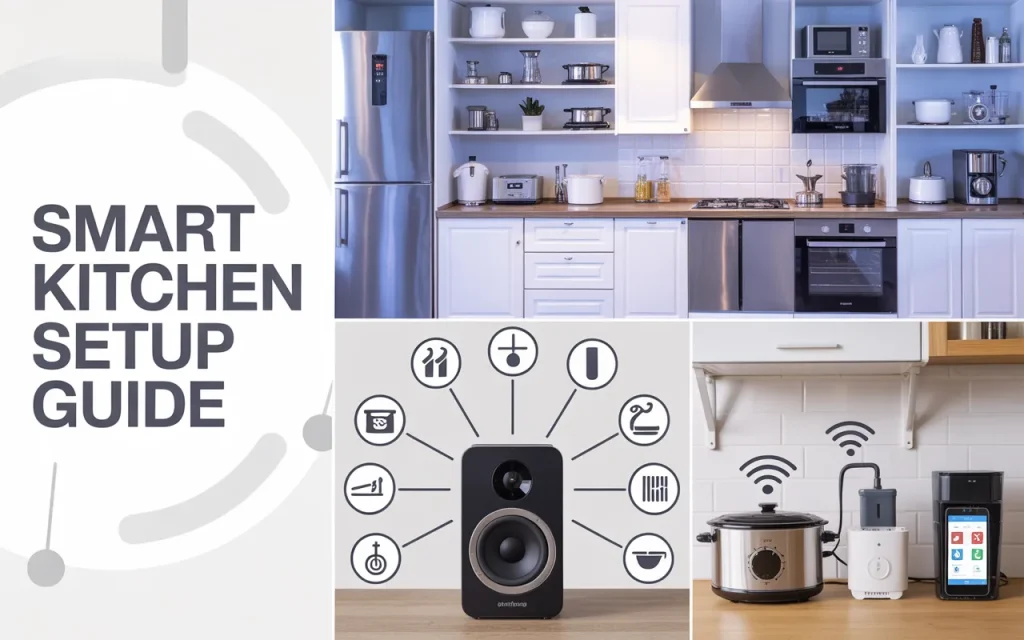
Example of a “Good Morning” routine:
- You say, “Alexa, good morning.”
- The smart lights in the kitchen slowly turn on.
- The smart coffee maker starts brewing.
- Your smart display shows the weather and news.
Example of a “Cooking Dinner” routine:
- You say, “Hey Google, start cooking.”
- The oven starts preheating to the temperature you set.
- The smart speaker plays your favorite cooking playlist.
- The lights dim a little bit.
These routines make your kitchen feel truly smart. It responds to you without you having to control each thing individually. Building these routines is the final, satisfying step in your smart kitchen setup guide.
Keeping Your Smart Kitchen Safe
When you connect things to the internet, you have to think about security. It is not scary, but you should be careful.
First, use strong passwords for your Wi-Fi network and for every app you use. Do not use “password123” or your birthday. Second, keep your apps and devices updated. Companies send updates to fix problems and keep things safe. Let them install. Third, think about setting up a guest Wi-Fi network just for your smart home gadgets. This keeps them separate from your computers and phones, adding an extra layer of safety.
Dr. Emily Carter, a cybersecurity researcher, says, “The most important step people forget is the simple one. Just changing the default password on a new device closes the door to most casual hacking attempts. It takes two minutes and saves a lot of trouble.” Following this advice keeps your kitchen fun and safe.
Does a Smart Kitchen Really Save Time?
This is the big question. Does all this tech actually help, or does it just give you more things to fiddle with? The answer is yes, it helps, but only if you set it up right.
The time savings come from the small things. You save two minutes here and there. You do not stand there wondering if you turned the oven off. You do not have to search for a recipe. You do not have to run to the store because you forgot one ingredient. These minutes add up over a week.
Chef David Chang once mentioned in an interview, “In a professional kitchen, efficiency is everything. Bringing that thinking home, using tools that handle the background tasks, lets you focus on the cooking itself. It turns the kitchen from a place of work into a place of creativity.” A smart setup handles the boring stuff so you can enjoy the good parts.
It also saves you from mistakes. No more burnt food because you forgot the time. No more ruined baking because you mis-measured the flour. Saving food is saving money and time. When you look at it that way, a smart kitchen pays for itself.
Frequently Asked Questions
1. Do I need a strong Wi-Fi connection for a smart kitchen?
Yes, a reliable Wi-Fi connection is very important. Your devices need to talk to each other and to your phone. If your Wi-Fi is weak in the kitchen, you might want to get a Wi-Fi extender to boost the signal. This keeps everything running smoothly.
2. Can I control my smart kitchen when I am not home?
Yes, that is one of the best features. As long as your phone has internet, you can connect to your home devices. You can preheat the oven from work, turn on the lights before you get home, or check your fridge camera from the grocery store. It gives you control no matter where you are.
3. Is it hard to set up a smart kitchen for an older person?
Not if you keep it simple. Start with voice control. A smart speaker is very easy to use. You just talk to it. Setting timers, asking for weather, and playing music are simple tasks that anyone can learn. You can avoid complicated apps and just use voice commands for the basics.
4. What if I rent my home? Can I still have a smart kitchen?
Absolutely. Renters should focus on smart plugs, smart speakers, and smart bulbs. These devices just plug in or screw in. You do not have to change any wiring. When you move out, you unscrew them and take them with you. They are perfect for renters.
5. Will my smart devices work with each other if they are different brands?
Usually, yes. Most brands want to work with Alexa and Google. When you buy a new gadget, check the box. It will show a logo for Alexa or Google Assistant. If it has those logos, it will work with your system. You might need separate apps for each brand, but they all connect to your main voice assistant.
6. What is the first thing I should buy for my smart kitchen?
Get a smart speaker or a smart display. It is the cheapest and most useful tool. It gives you hands-free help immediately. Once you have that, you can slowly add other things like lights or plugs. It is the perfect starting point for any smart kitchen setup guide.
Conclusion
Building a smart kitchen is a journey, not a race. You do not need to do it all in one weekend. Start with one small piece. Maybe a smart plug for your coffee maker. See how it feels. Then add another. Soon, you will have a kitchen that helps you, saves you time, and makes your day a little easier.
The goal is to make technology work for you. You want a kitchen that is ready when you are, that helps you cook better, and that takes some stress out of your daily life. Whether you start with a simple speaker or go all-in on a smart fridge, every step forward is a good one. Use this smart kitchen setup guide as your roadmap. Take it one step at a time, and enjoy creating a kitchen that is truly your own. It is about making your home a better place to be, one smart gadget at a time.
Related posts
 Best Under Sink Organizers Kitchen 2026: Practical Storage Solutions
Find the best under sink organizers kitchen in 2026. Compare top-rated pull-out bins, L-shaped racks, and protective mats to maximize your cabinet space. The space under…
 Best Kitchen Cabinet Storage Solutions for 2026
Organize your kitchen efficiently with our Best Kitchen Cabinet Storage Solutions. Compare the best organizers for lids, pans, and spices to maximize your space. A cluttered…
 Top Rated Kitchen Shelf Organizers for 2026
Discover the top rated kitchen shelf organizers for 2026. Compare durable racks, magnetic shelves, and tiered storage to maximize your pantry and counter space. A cluttered…