
Voice Controlled Kitchen Devices
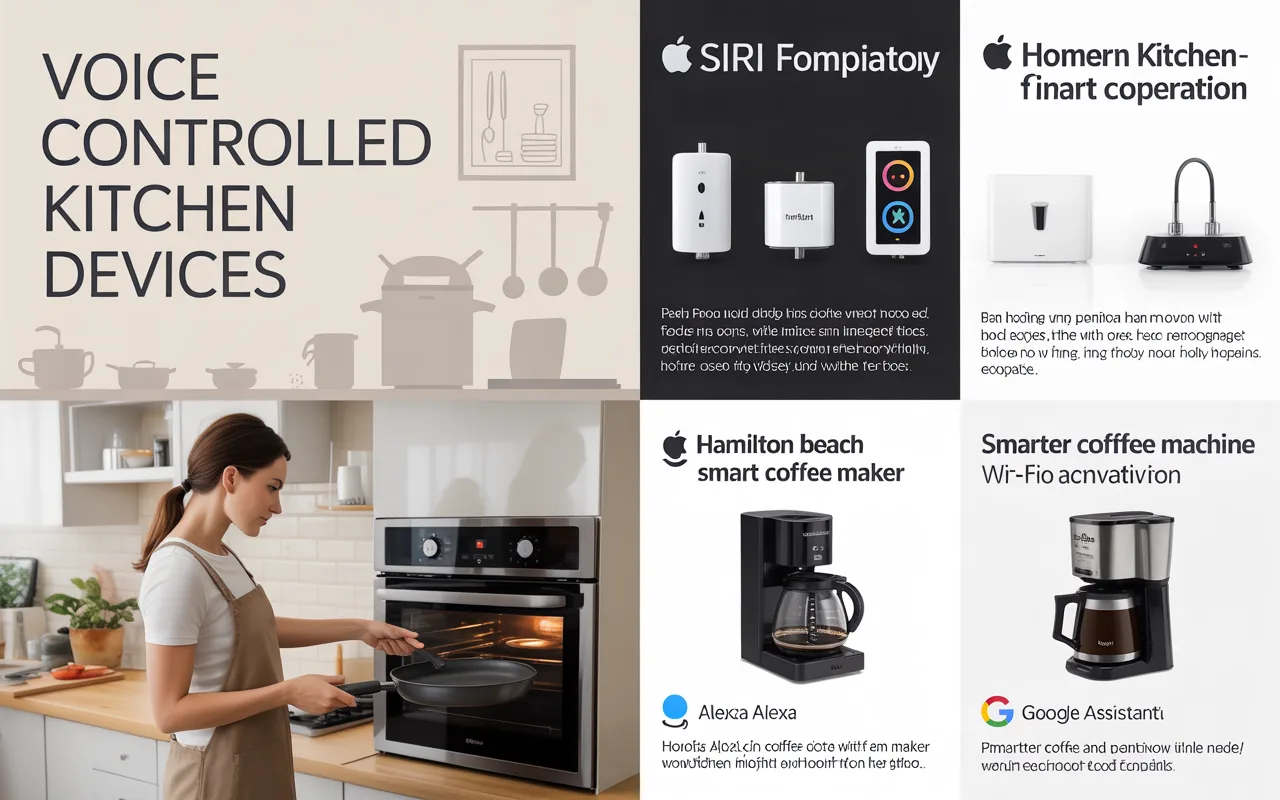
Discover how voice controlled kitchen devices can simplify cooking. Learn about smart speakers, voice-enabled appliances, and hands-free tools that save time and reduce mess in your daily routine.
Voice controlled kitchen devices are gadgets you can operate by speaking. They connect to smart assistants like Alexa, Google Assistant, or Siri. You simply say a command, and the device does the work.
These tools range from small gadgets to large appliances. Smart speakers act as the brain. They connect to other devices in your kitchen. You can ask for recipes, set timers, or preheat your oven. Some devices work on their own with built-in voice control.
The goal is simple: make cooking easier and cleaner. You do not need to touch screens or buttons with messy hands. Just speak, and the device responds.
Why Use Voice Control in Your Kitchen?
Kitchens can get busy. Your hands might be covered in flour or dough. You might be chopping vegetables and need a timer. Reaching for your phone with messy hands is not ideal. Voice control solves this problem.
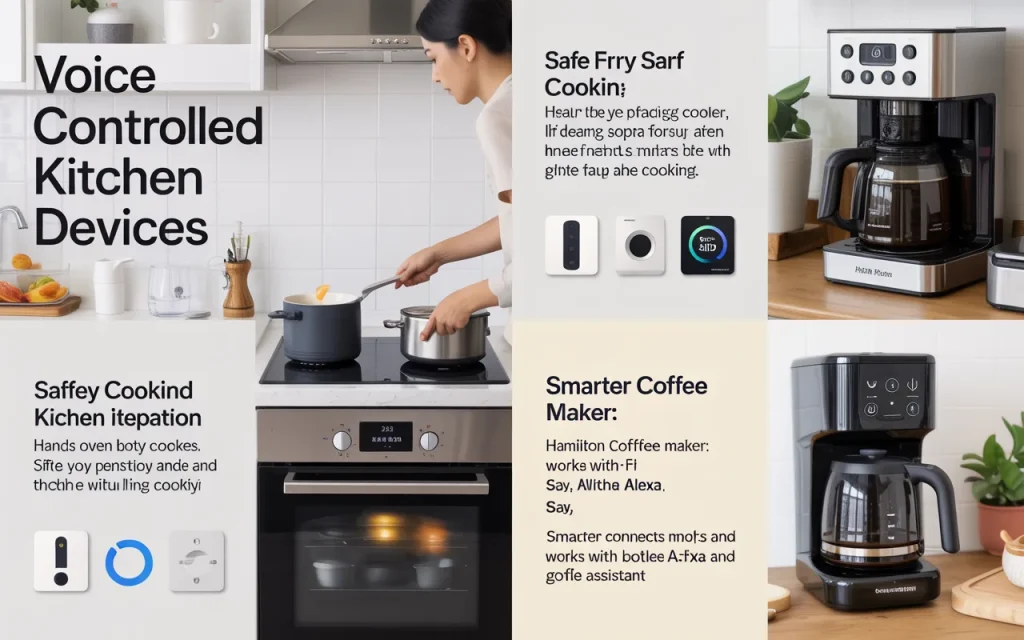
Safety is another reason. You can change settings on your oven without getting too close to heat. You can ask for help while holding a hot pan. It keeps your focus on cooking.
For people with mobility issues, voice controlled kitchen devices offer real help. They reduce the need to move around the kitchen. You can control lights, appliances, and timers from one spot.
According to smart home expert Maria Chen, “Voice control in the kitchen is about more than convenience. It creates a safer, more accessible space for everyone, regardless of age or ability.”
Popular Voice Assistants for the Kitchen
Most voice controlled kitchen devices work with a main assistant. Here are the most common ones:
Amazon Alexa
Alexa works with many kitchen gadgets. You can find smart microwaves, coffee makers, and ovens that connect to Alexa. Just say, “Alexa, set a timer for ten minutes.”
Google Assistant
Google works with similar devices. It pulls recipes from the web and reads them aloud. You can ask, “Hey Google, how much is a cup of flour in grams?”
Apple Siri
Siri works best with HomeKit-enabled devices. Fewer kitchen gadgets support Siri, but the number is growing. You can use Siri to control smart plugs and some appliances.
Chef and tech reviewer David Park says, “I prefer Google Assistant for recipe help. It pulls clear instructions from trusted sites. Alexa works great for quick commands and timers.”
Top Voice Controlled Kitchen Gadgets
Many devices now come with voice support. Here are some popular categories and examples.
Smart Speakers for the Kitchen
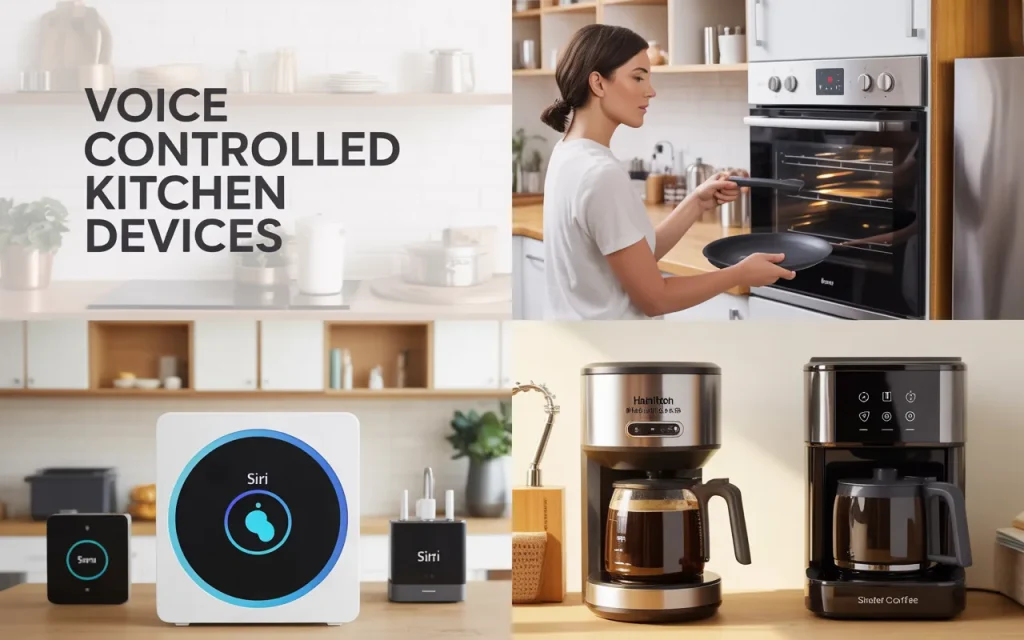
A smart speaker is often the first step. It acts as the control hub. You can place it on the counter and talk to it while cooking.
- Amazon Echo Dot: Small, affordable, and clear. It hears you over kitchen noise.
- Google Nest Mini: Works well with Google services. Good for recipe lookups.
- Apple HomePod Mini: Great sound quality. Works best if you use Apple products.
These speakers let you set timers, play music, and control other smart devices.
Voice Controlled Ovens and Microwaves
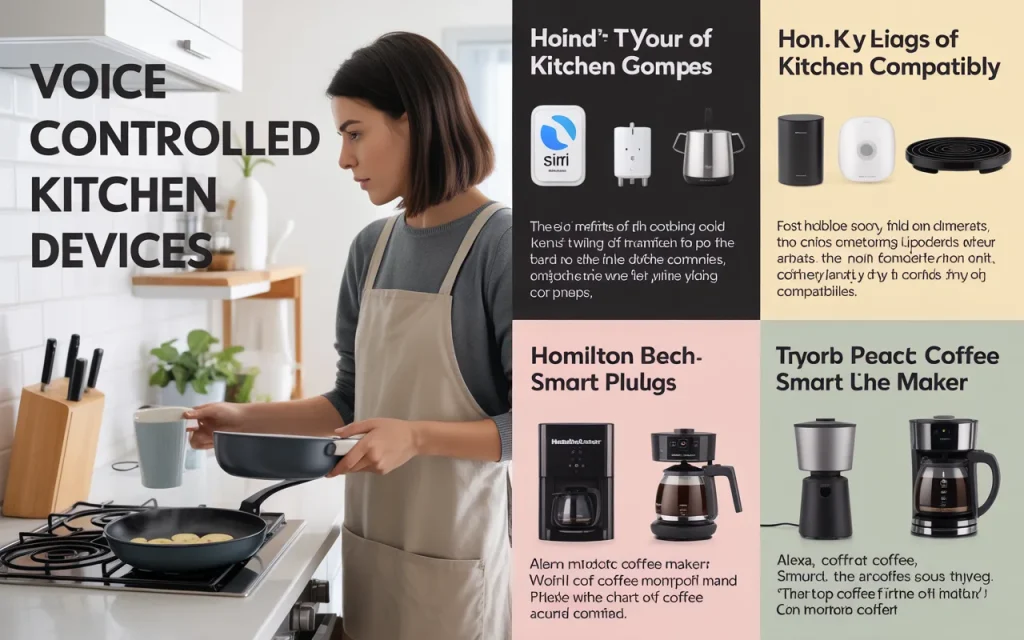
Some large appliances now listen to your voice. You can preheat the oven or start the microwave by speaking.
- Amazon Smart Oven: This microwave and convection oven works with Alexa. You can say, “Alexa, microwave a potato for five minutes.”
- GE Profile Smart Oven: Works with both Alexa and Google. You can preheat it from anywhere.
- Whirlpool Smart Microwave: Responds to voice commands through a smart speaker.
Smart Coffee Makers
Morning coffee gets easier with voice control. You can start brewing from bed or while getting ready.
- Hamilton Beach Smart Coffee Maker: Works with Alexa. Say, “Alexa, start the coffee.”
- Smarter Coffee Machine: Connects to Wi-Fi and works with both Alexa and Google.
Voice Controlled Slow Cookers and Multi-Cookers
These devices let you start dinner early or adjust settings hands-free.
- Crock-Pot Smart Slow Cooker: Works with Alexa and Google. You can change the temperature or set a timer by voice.
- Instant Pot with Smart Features: Some newer models connect to smart home systems.
Smart Refrigerators
High-end fridges now include voice assistants. You can add items to your shopping list or check the weather while looking inside.
- LG InstaView with ThinQ: Has a built-in speaker and works with Google and Alexa.
- Samsung Family Hub: Includes Bixby voice control. You can see inside the fridge from your phone.
How to Build a Voice Controlled Kitchen
You do not need to buy all new appliances. Start small and add devices over time.
Start with a smart speaker. Place it in a central spot where it can hear you. Next, add smart plugs. These let you control regular appliances with your voice. Plug in a kettle or a mixer, and you can turn it on by speaking.
Then consider replacing one appliance at a time. Choose gadgets that solve your biggest kitchen problems. If you burn food often, get a smart oven with timers. If you forget grocery items, a smart fridge can help.
Kitchen designer Amy Foster suggests, “Think about your cooking habits first. A voice controlled timer might be more useful than a voice controlled coffee maker. Pick what fits your daily routine.”
Setting Up Voice Controlled Kitchen Devices
Setup is usually simple. Most devices follow these steps:
- Plug in the device and download the app.
- Connect it to your Wi-Fi network.
- Link it to your voice assistant (Alexa, Google, or Siri).
- Give the device a name you will remember.
- Test a simple command.
Make sure your Wi-Fi signal reaches the kitchen. Thick walls can block the signal. A Wi-Fi extender can help.
Keep devices away from loud noises. Do not place them right next to the sink or dishwasher. Water sounds can confuse the microphone.
Common Voice Commands for the Kitchen
Once your devices are set up, you can try these commands:
- “Set a timer for 15 minutes.”
- “Preheat the oven to 375 degrees.”
- “Add milk to my shopping list.”
- “How many teaspoons in a tablespoon?”
- “Play cooking music.”
- “Turn on the kitchen lights.”
- “Start the coffee maker.”
Each assistant understands slightly different phrases. Experiment to see what works best with your devices.
Benefits of Voice Controlled Kitchen Devices
Using your voice in the kitchen offers several clear benefits:
Hands-Free Operation
You can keep cooking while the device works. No need to wash your hands just to set a timer. This saves time and keeps your workflow smooth.
Help with Recipes
Ask your device to read a recipe aloud. You can hear each step without looking at a screen. Some devices show recipes on a small screen if they have one.
Grocery List Management
Say what you need, and it goes on your list. When you go shopping, open the app and see everything. No more forgotten items.
Cooking for Beginners
New cooks can ask questions while cooking. “What temperature for chicken?” or “How long to boil eggs?” The device gives quick answers.
Energy Savings
Some devices help you save power. You can turn off appliances you forgot about. Check if the oven is off without walking back to the kitchen.
Nutritionist and home cook Laura Miles notes, “I love using voice control for portion conversions. I can ask how many grams in an ounce while my hands are covered in dough. It keeps me accurate without stopping.”
Challenges and Limitations
Voice controlled kitchen devices are helpful, but they have limits.
Understanding Accents and Speech
Voice assistants do not always understand everyone equally. People with strong accents sometimes have trouble. Background noise can also cause errors.
Internet Dependence
Most devices need Wi-Fi. If your internet goes down, voice control stops working. Simple tasks like timers might still work offline, but not all features.
Privacy Concerns
Smart devices listen for wake words. Some people worry about privacy. You can mute the microphone when not using the device. Check privacy settings in the app.
Cost
Smart appliances cost more than regular ones. The convenience might be worth it, but it adds up. Start with smaller, cheaper gadgets first.
Table: Comparison of Voice Assistant Compatibility
| Device Type | Alexa | Google Assistant | Siri | Best For |
|---|---|---|---|---|
| Smart Speakers | Yes | Yes | Yes | Controlling other devices |
| Smart Ovens | Yes | Some | Few | Hands-free cooking |
| Coffee Makers | Yes | Some | Few | Morning routine |
| Refrigerators | Some | Some | Few | Grocery management |
| Slow Cookers | Yes | Yes | Few | Meal prep |
Future of Voice Controlled Kitchens
Technology keeps improving. Future kitchens will likely have more voice features. Here are some trends to watch:
Better Voice Recognition
Assistants will understand more accents and speech patterns. They will pick out your voice from background noise.
More Connected Appliances
More brands will add voice control. Even basic appliances might have smart features. You will find voice control in more price ranges.
Personalized Settings
Devices will learn your habits. Your coffee maker might start brewing when you wake up. Your oven might suggest recipes based on what you cook.
Integration with Meal Planning
Voice assistants will help plan meals. They will look at what is in your fridge and suggest recipes. They can order ingredients for delivery.
Table: Budget-Friendly Voice Controlled Kitchen Devices
| Device | Price Range | Voice Assistant | Main Use |
|---|---|---|---|
| Amazon Echo Dot | $30-$50 | Alexa | Timer, music, control hub |
| Google Nest Mini | $30-$50 | Recipes, timers, control | |
| Smart Plug | $10-$25 | Alexa/Google | Turn regular appliances on/off |
| Alexa Microwave | $60-$100 | Alexa | Hands-free heating |
| Hamilton Beach Coffee Maker | $60-$80 | Alexa | Voice-controlled brewing |
Tips for Getting the Most from Voice Control
Follow these tips to improve your experience:
Speak Clearly
Face the device when talking. Reduce background noise if possible.
Use Consistent Commands
Pick one way to ask for things. “Set a timer for 10 minutes” works better than “Timer, 10 minutes, please.”
Group Devices
In your app, group devices by room. Say “turn off the kitchen” instead of naming each device.
Update Regularly
Check for software updates. New features and fixes improve performance.
Keep Microphones Clear
Dust can block microphones. Wipe your devices gently now and then.
Frequently Asked Questions
Can voice controlled kitchen devices work without internet?
Some basic functions like timers work offline. Most features need an internet connection.
Are these devices hard to set up?
Setup takes about 10-15 minutes per device. The apps guide you through each step.
Do I need a smart speaker for every device?
No. Many devices have built-in voice control. A smart speaker helps connect everything in one place.
Will the device hear me over cooking noise?
Most modern devices have multiple microphones. They filter out background noise. Place the device away from loud appliances.
Can multiple people use the same device?
Yes. The device can recognize different voices if you set up voice profiles. Each person gets personalized responses.
Are voice controlled devices safe near water?
Keep them away from sinks and spills. Use splash-proof cases if needed. Do not put them in wet areas.
What if the device misunderstands me?
You can repeat the command or use the app to check settings. Training the device to your voice helps over time.
Do these devices work with all recipes?
They work with online recipes. Some devices can read recipes from supported apps. Printed recipes need manual entry.
Can I control lights with the same device?
Yes. Smart lights connect to the same assistant. You can control them with voice commands.
Will voice control make cooking faster?
For many tasks, yes. Setting timers and finding conversions happens faster. Hands-free control keeps you moving.
Conclusion
Voice controlled kitchen devices change how we cook. They make tasks easier and kitchens safer. From setting timers to preheating ovens, voice control saves time and reduces mess.
Start with a simple smart speaker. Add gadgets as you find needs. Choose devices that fit your cooking style. Within weeks, you will wonder how you managed without them.
The technology keeps improving. Prices are dropping. More devices gain voice features each year. Now is a good time to try voice control in your kitchen.
As smart home consultant James Wong says, “The best kitchen technology fades into the background. Voice control should feel natural, not like another chore. When it works well, you barely notice it. You just cook better.”
Related posts
 Best Under Sink Organizers Kitchen 2026: Practical Storage Solutions
Find the best under sink organizers kitchen in 2026. Compare top-rated pull-out bins, L-shaped racks, and protective mats to maximize your cabinet space. The space under…
 Best Kitchen Cabinet Storage Solutions for 2026
Organize your kitchen efficiently with our Best Kitchen Cabinet Storage Solutions. Compare the best organizers for lids, pans, and spices to maximize your space. A cluttered…
 Top Rated Kitchen Shelf Organizers for 2026
Discover the top rated kitchen shelf organizers for 2026. Compare durable racks, magnetic shelves, and tiered storage to maximize your pantry and counter space. A cluttered…